
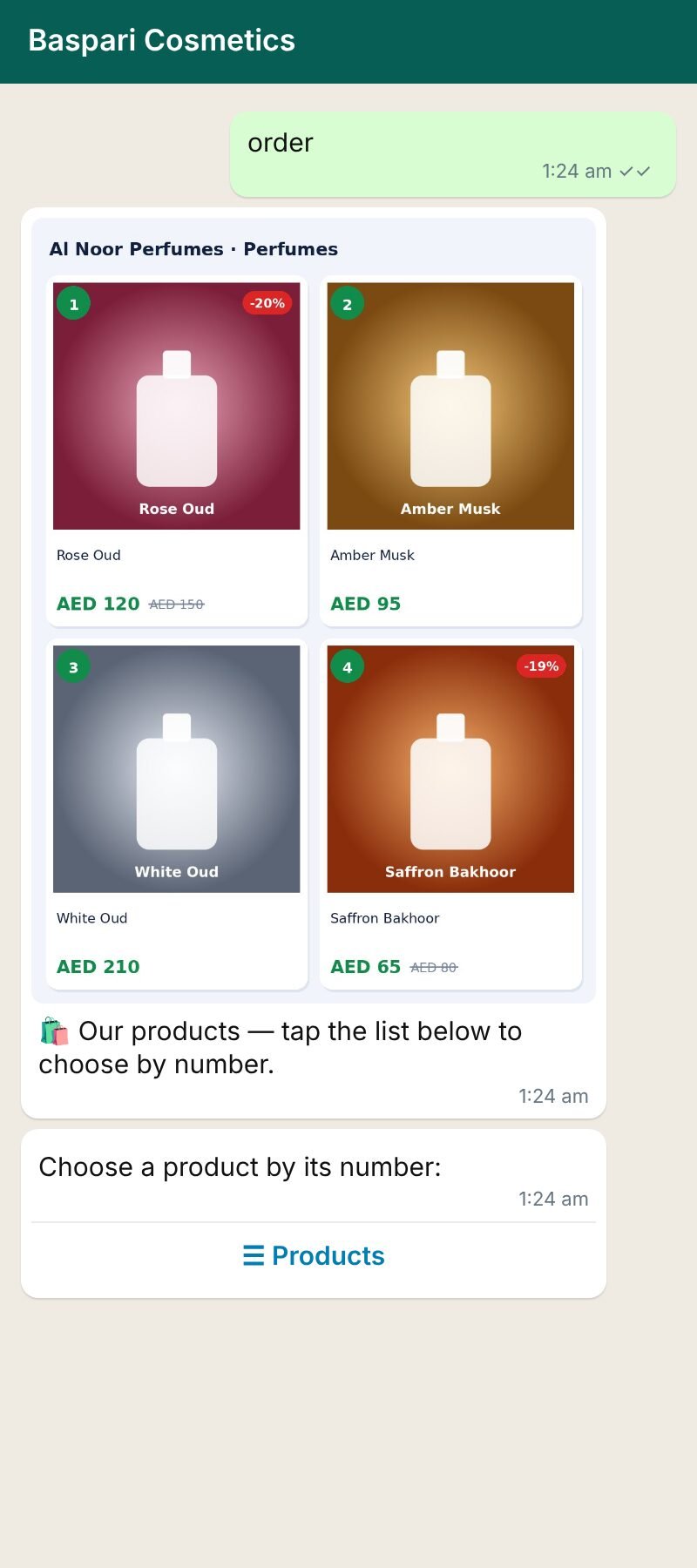
- The customer writes a store word, such as shop, or taps a store button in one of your automation flows.
- They pick a category (if you have 2 or more) and see your products — in the look you chose in Store settings.
- They add products to the cart. The cart shows the items, the delivery charge and the total, so they know what to pay before checkout. If you offer free delivery above an amount, the cart says how much more to add.
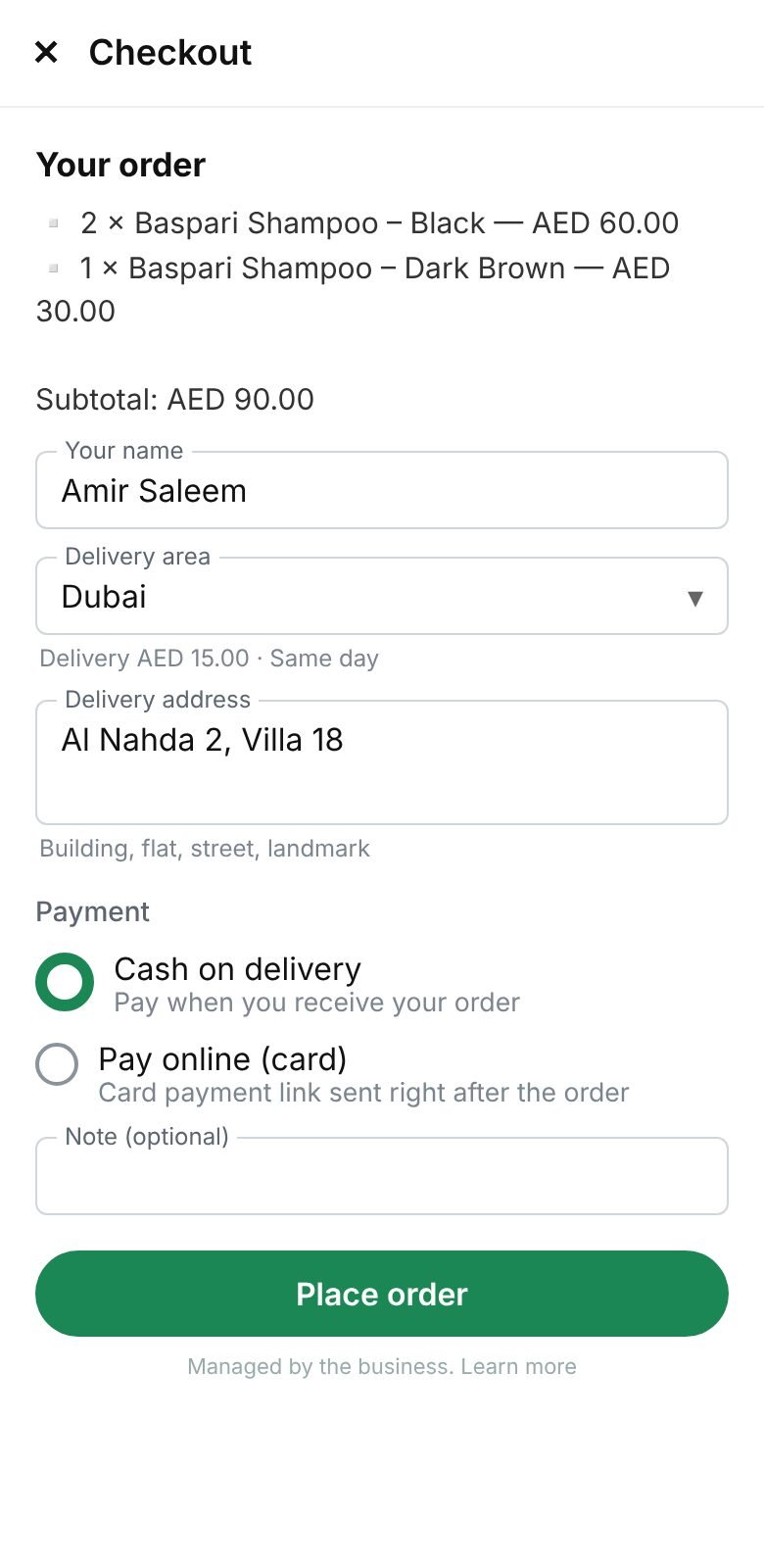
- At checkout they fill in name, area, address, payment method and a note, and tap Place order.
- They receive the order confirmation with the order number and total. Every status change (confirmed, shipped with tracking, delivered) is sent to them in WhatsApp.
Customers can also write cart to see their cart, or my orders to check an order.
Didn’t find your answer?
Ask our team